How to Install IPTV on Firestick - Step-by-Step Setup Guide (2026)
Introduction
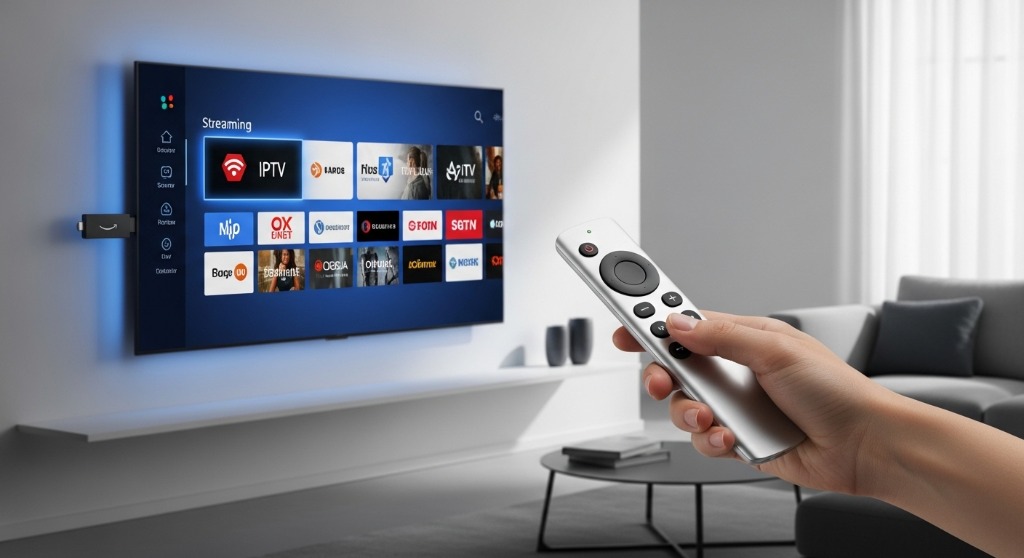
Want to watch live TV, sports, and movies on your Firestick using IPTV?
This guide will show you how to install IPTV on Firestick step-by-step in just a few minutes. With the right IPTV service, you can access thousands of channels, HD content, and 4K streaming directly on your Amazon Firestick.
What You Need Before Setup
Before installing IPTV on Firestick, make sure you have:
- Amazon Firestick or Fire TV
- Stable internet connection (minimum 10 Mbps)
- Active IPTV subscription
- IPTV player app (like IPTV Smarters or TiviMate)
Step 1: Enable Apps from Unknown Sources
To install IPTV apps, you need to allow third-party apps:
- 1. Go to Settings on Firestick
- 2. Click My Fire TV
- 3. Select Developer Options
- 4. Turn ON: Apps from Unknown Sources and ADB Debugging
This allows you to install IPTV apps easily.
Step 2: Install Downloader App
- 1. Go to Amazon App Store
- 2. Search for Downloader
- 3. Install and open the app
Downloader helps you install IPTV apps.
📲 Step 3: Install IPTV App (IPTV Smarters)
- 1. Open Downloader
- 2. Enter the URL (provided by your IPTV provider)
- 3. Download IPTV Smarters APK
- 4. Click Install
- 5. Open the app
Step 4: Add IPTV Subscription
After installing the app:
- 1. Open IPTV Smarters
- 2. Select Login with Xtream Codes API
- 3. Enter: Username, Password, and Server URL
You'll receive these details after purchasing your IPTV plan.
Step 5: Start Streaming
Once logged in:
- 1. Open Live TV
- 2. Browse channels
- 3. Start watching instantly
🎉 That's it! Your IPTV is now working on Firestick.
Best IPTV App for Firestick
Here are top IPTV apps:
- IPTV Smarters (Beginner-friendly)
- TiviMate (Advanced users)
- XCIPTV Player
All these apps work perfectly with IPTV services.
Common IPTV Issues & Fixes
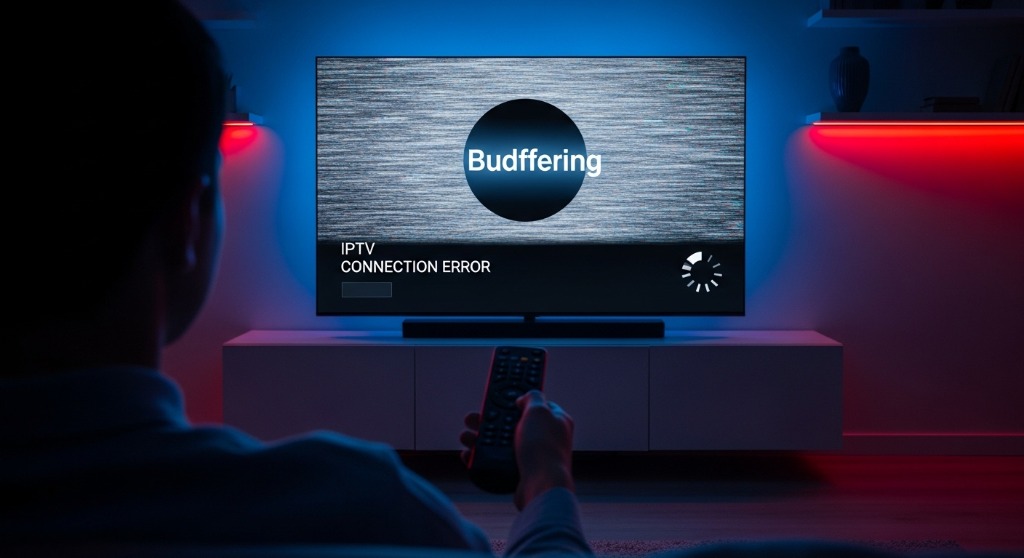
Buffering Problem
- Check internet speed
- Restart app
- Use VPN (optional)
IPTV Not Loading
- Re-enter login details
- Check server status
App Crashing
- Clear cache
- Reinstall app
Pro Tips for Best Experience
- Use 5GHz WiFi or Ethernet
- Restart Firestick regularly
- Keep IPTV app updated
- Use VPN for better stability (optional)
🔗 Get Best IPTV for Firestick
To enjoy smooth streaming, you need a reliable IPTV provider.
Our IPTV service offers:
- 20,000+ Channels
- 4K Streaming
- No Buffering
- Works perfectly on Firestick
FAQ - IPTV Firestick Setup
Is IPTV safe on Firestick?
Yes, if you use a trusted IPTV provider.
Do I need a VPN for IPTV?
Not mandatory, but recommended for privacy.
Can I use IPTV on multiple devices?
Yes, depending on your plan.
Final Words
Setting up IPTV on Firestick is quick and easy. With the right setup, you can enjoy unlimited live TV, movies, and sports anytime.
Follow this guide and start streaming today.
Looking for the ultimate streaming experience? Check out our Best IPTV Service. We also have dedicated high-speed servers and guides specifically for our USA IPTV and UK IPTV users!